
The Hyperbolic Chamber - 10/15/2023
Projects! No Life! Sick of creating titles! Enjoy!

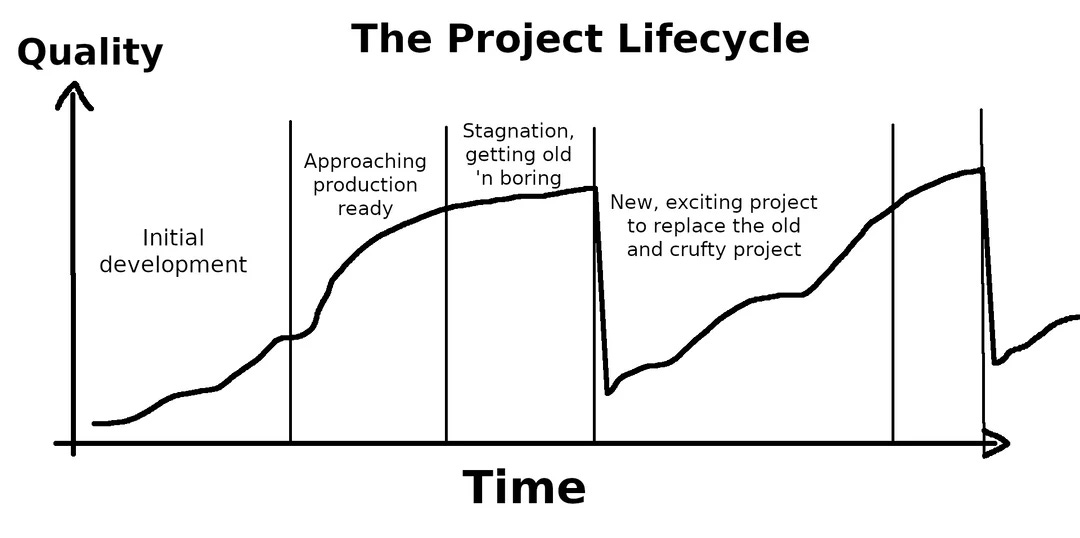
If you work on side projects, we all know the feeling of starting something and having all the excitement in the world, getting around 80% done, and then getting bored because the devil is in the details. Well to avoid this feeling, I’m working on a few things at once. This post will be about the two things I’m working on and whatever else comes to mind.
Homelab
My homelab, better known as my transition off of the cloud, is getting off the ground. In the last two weeks, I’ve been up past 3:00 a.m. twice because I can’t stop until I reach a solution. I’m not always the most proud of myself for finishing a long day at work, and then switching roles to become a Network, DevOps, Systems, and Security Engineer all-in-one for my homelab. Staring at a screen for 14+ hours isn’t the most healthy thing to do all the time, but at times it’s well worth it.
I’ve been trying to stay higher level these last few posts to keep from boring my non-technical readers, but I must go into a little bit of depth because I have been working pretty hard. So if you fit into this category, just go ahead and skip ahead!
Highlights
At home, I’m currently live booting TrueNAS Scale on a NUC7i7BNH with 2 1TB SSDs (1 NVMe, 1 SATA) running ZFS. I have another NUC which I’ll be running TrueNAS on as well once I purchase more RAM and SSDs. I also need way more storage to take full advantage of TrueNAS.
My networking setup isn’t the most ideal at the moment. I have a 5-port switch (started small but I assure you it will be upgraded) plugged into a Netgear Nighthawk which sits behind my gateway. With this setup, there is an entirely different subnet in the house that can’t be seen by devices that are connected to just the gateway. This does wonders for security but causes a lot of confusion in the setup process. Part of that means having to be directly connected to the switch to complete this configuration. Being on the basement floor for an entire work shift isn’t the most comfortable! This setup means for any services I want to be externally facing, ports need to be forwarded twice, once through the Netgear, and another through the gateway. Even through all the trouble, I was able to configure a VPN into the Netgear so I can access TrueNAS from anywhere.
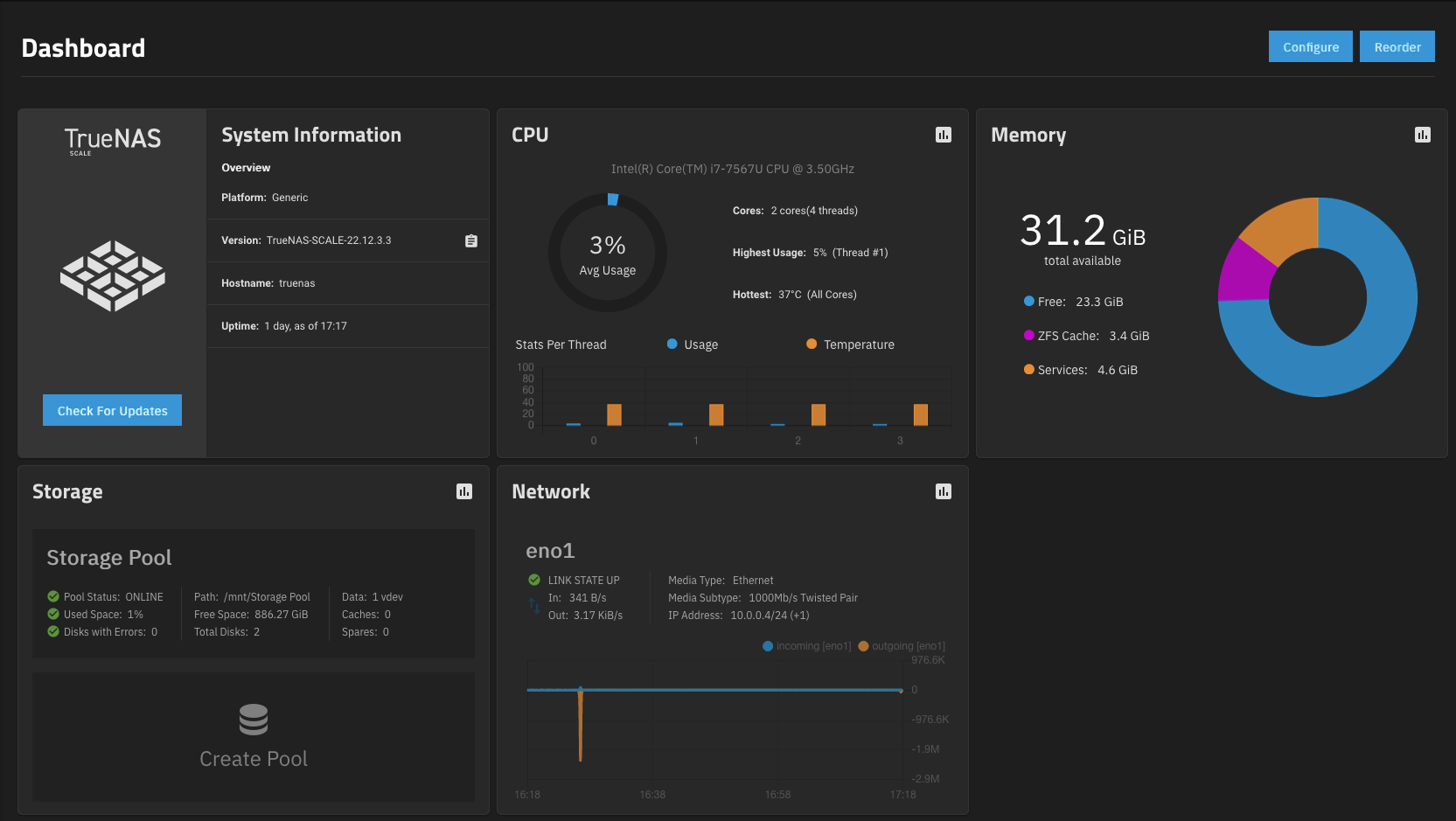
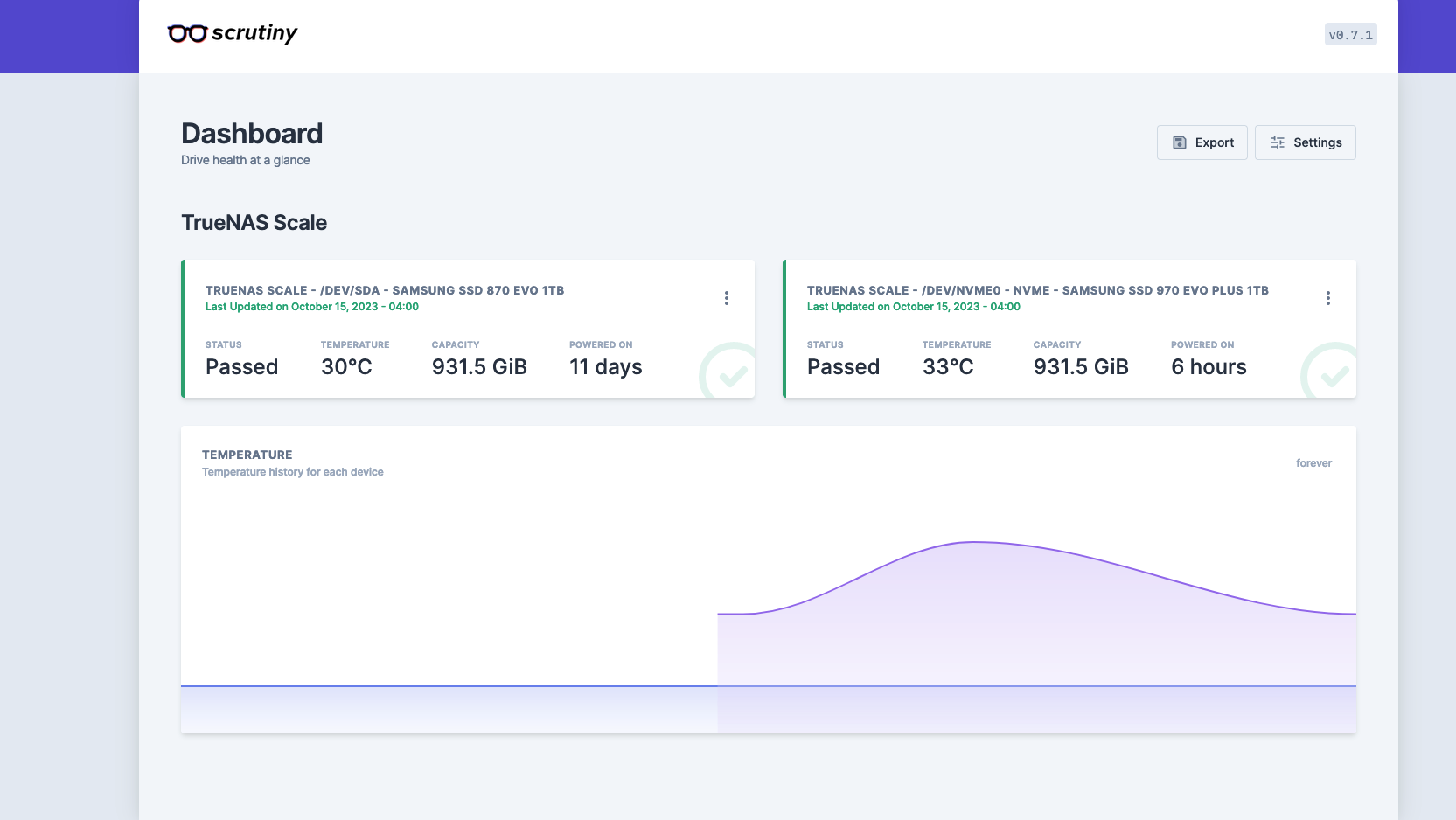
TrueNAS has many different applications that can be quickly spun up on the server thanks to TrueCharts. I got my first app, Scrutiny, up in a matter of minutes just as a test and I’ll be diving much deeper down the rabbit hole in the coming weeks.
Simplifying hours upon hours of work into a paragraph is very anticlimactic, but after finishing all of these configurations I felt like Big Brain Sheen…

LinkedIn Web Scraper
The next project I’ve been working on is a web scraper for LinkedIn. There are many examples of people doing this online for their use case, but I’m trying to put my spin on it while being as original as possible to “build character” (Python, Selenium, HTML). I can’t tell you what the finished product is supposed to look like, but I can say where I am, and the next step(s) I’m looking to take.
The idea started with hearing someone say they scrape LinkedIn for images every day. A lightbulb went off immediately. With my 1TB of storage I’m not in the position to scrape images right now but scraping the web could be helpful in further learning Python and maybe extracting some useful, actionable information. So I started with the idea of scraping for future job titles, getting the job descriptions, and analyzing them for keywords of skills I would need to learn to get these jobs. As time goes on, scope continues to creep and more ideas are added to the project, including salary, YOE, and more. We will just have to see.
Highlights
I didn’t think this project would be easy, but it is harder than I expected. For every feature that is added, there is plenty of time spent in the web inspector reading the HTML structure of LinkedIn.
Let’s get past all the small talk. Here is the code I have so far:
Starting off with plenty of imports:
from selenium import webdriver
from selenium.webdriver.common.by import By
from bs4 import BeautifulSoup
import time
from selenium.webdriver.firefox.service import Service as FirefoxService
from webdriver_manager.firefox import GeckoDriverManager
import sensitive
from selenium.webdriver.common.keys import Keys
from selenium.webdriver.support.ui import WebDriverWait
Opening LinkedIn and going to the jobs page:
# Web Driver for Firefox
driver = webdriver.Firefox(service=FirefoxService(GeckoDriverManager().install()))
driver.maximize_window()

# Get Linkedin login page
driver.get("https://linkedin.com/uas/login")
time.sleep(3)

# Login
username = driver.find_element(By.ID, "username")
username.send_keys(sensitive.username)
password = driver.find_element(By.ID, "password")
password.send_keys(sensitive.password)
driver.find_element(By.XPATH, "//button[@type='submit']").click()

# Wait for page to load
time.sleep(3)

# Go to the jobs page
jobs_link = driver.find_element(By.LINK_TEXT, "Jobs")
jobs_link.click()

# Wait for page to load
time.sleep(3)
Searching for a specified job title in a specified city:
# Search for specific job title
search = driver.find_element(By.CLASS_NAME, "jobs-search-box__text-input")
# In the future, change this to input variable so that a user can scrape for their specified job title
title = sensitive.job_title
search.send_keys(title)
time.sleep(2)
search2 = driver.find_element(By.XPATH, "//input[@aria-label='City, state, or zip code']")
driver.execute_script("arguments[0].click();", search2)
city = sensitive.city
search2.send_keys(city)
time.sleep(1)
search.send_keys(u'\ue007')
time.sleep(3)
Getting all of the job titles on the first page to display:
# Get the links for each job displayed
job_links = []
jobs_block = driver.find_element(By.CLASS_NAME, "jobs-search-results-list")
jobs_list = jobs_block.find_elements(By.CSS_SELECTOR, ".jobs-search-results__list-item")

# Scroll through the page to load all jobs
for job in jobs_list:
    time.sleep(0.5)
    driver.execute_script("arguments[0].scrollIntoView();", job)
    all_links = job.find_elements(By.TAG_NAME, 'a')
    for a in all_links:
        if str(a.get_attribute('href')).startswith("https://www.linkedin.com/jobs/view") and a.get_attribute('href') not in job_links:
            job_links.append(a.get_attribute('href'))
        else:
            pass
And for what I’m the proudest of, going through all of the links and extracting the titles + job descriptions, and writing them to a text file:
tab = 1
num = len(job_links)
print(num)

file = open("job_descriptions.txt", "w")

for link in job_links:
    driver.execute_script("window.open('" + link + "');")
    # Get the handles of all currently open tabs/windows
    all_handles = driver.window_handles
    if len(all_handles) > 1:
        driver.switch_to.window(all_handles[1])
        time.sleep(5)
        see_more = driver.find_element(By.XPATH, "//button[@aria-label='Click to see more description']")
        see_more.click()
        description = driver.find_element(By.ID, "job-details")
        title = driver.find_element(By.CLASS_NAME, "job-details-jobs-unified-top-card__job-title").text
        file.write(f'\n{title}\n {description.text}\n')
        time.sleep(2)
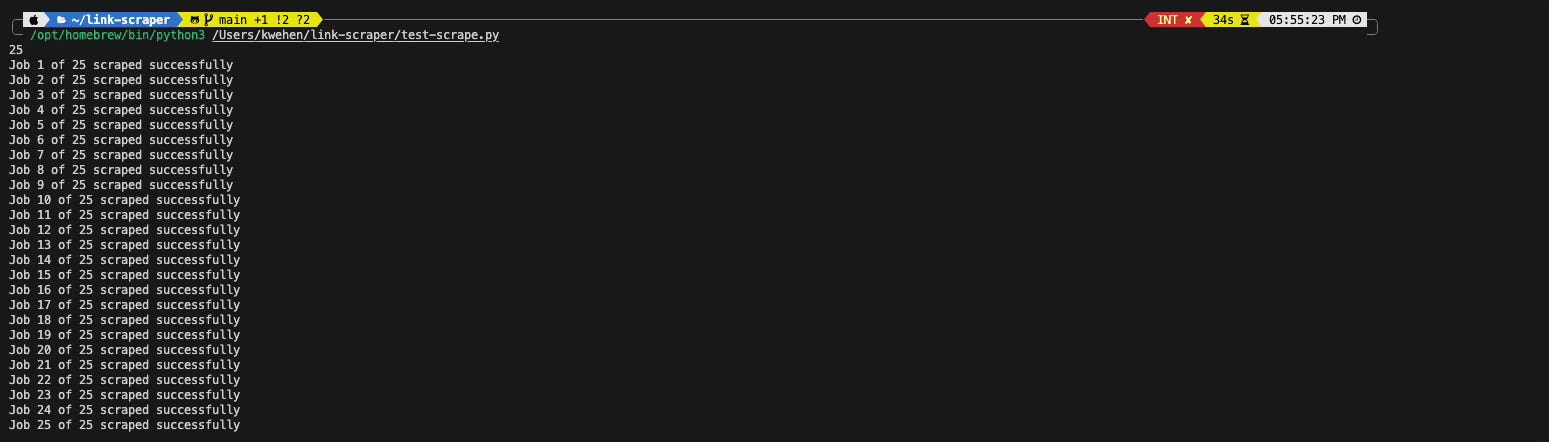
        print(f"Job {tab} of {num} scraped successfully")
        time.sleep(2)
        tab += 1
        driver.close()  # Close the current tab
    driver.switch_to.window(all_handles[0])  # Switch back to the original tab
    time.sleep(0.5)

file.close()
driver.quit()
Here is a 2x video of the scraper:
There are a few next steps I need to take:
How to scrape 5 jobs in 5 different cities in the most efficient way possible, while also being limited to 21 tabs being open in the web driver at a time.
How to analyze the job descriptions (what am I looking for).
How to store what is being scraped, and in what format? Excel, DB, Text, etc.
WSaaS????
Here is the Git Repo that will be getting updated with time.
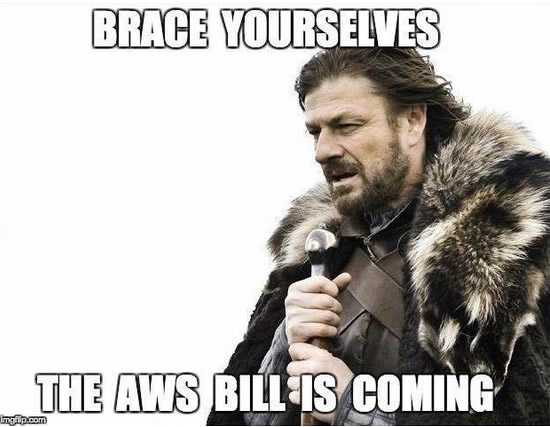
The coolest part about all of this is that these two projects come together by being able to run every service locally for virtually nothing. No cloud bills!
Today’s Closing
Have you ever taken a look up at where you want to be and saw that you have to learn what seems to be everything to get there? Does it ever seem insurmountable?

**Spoiler Alert**: It’s not. We climbed mountains before, and there will always be another one. See you soon!