
The Hyperbolic Chamber - 10/24/23
A weekend of roadblocks, MongoDB, and a little automation.

Substack please let writers write on the Substack app. Please. If only I could write my posts in my bed or offline.

This weekend has been full of roadblocks. Back to the drawing board for the most part, but I did get a few things done. Today has been a long day, I have a headache, and I’m not about to get super in-depth in this post. So here is a quick summary of what I did this weekend, what’s coming up, and a pertinent thought of mine.
Homelab + K8S
I spun up Proxmox on another host that will be torn down later when I get more resources to run another TrueNAS host. The goal for the Proxmox host is to learn Kubernetes. Of course, I ran into a lot of issues with the networking of the master and worker nodes. Trying to resolve the errors would’ve taken the entire weekend which I didn’t have time for because working on the web scraper was hanging over my head the whole time. This week I’ll be trying to make some headway with MicroK8S.
Web Scraper
Once I know exactly what data I want to take from the job descriptions and how to get it I want to write it to MongoDB. So one of the first steps was getting MongoDB up and being able to write to it via Python. I imagined this wouldn’t be all that hard, which it wasn’t.

Getting MongoDB up on Ubuntu Server 22.04 is pretty simple if you follow their guide. Just make sure your server meets the hardware requirements or you will get an error trying to start the mongod service via systemd.
Pretty simple, but once I have to do some type of build more than once I think of a way I can automate it. So here is a bash script to automate provisioning MongoDB on Ubuntu 22.04 so that you don’t have to go through copying and pasting these commands:
#!/bin/bash

# Import the public GPG key
sudo apt-get update
sudo apt-get install gnupg curl -y
curl -fsSL https://pgp.mongodb.com/server-7.0.asc | sudo gpg -o /usr/share/keyrings/mongodb-server-7.0.gpg --dearmor

# Create a list file for MongoDB
# Adjust the list file based on your Ubuntu version
echo "deb [ arch=amd64,arm64 signed-by=/usr/share/keyrings/mongodb-server-7.0.gpg ] https://repo.mongodb.org/apt/ubuntu jammy/mongodb-org/7.0 multiverse" | sudo tee /etc/apt/sources.list.d/mongodb-org-7.0.list

# Reload local package database
sudo apt-get update

# Install MongoDB packages
sudo apt-get install -y mongodb-org

# Start MongoDB and enable it to start on boot
sudo systemctl start mongod
sudo systemctl enable mongod

# Verify that MongoDB has started
sudo systemctl status mongod
Writing to MongoDB via Python isn’t that hard either. But before you do that, authentication needs to be configured, and the DB needs to allow remote connections. I wrote a script for creating a user as well, but I need to find a way to do it without printing the created password in cleartext so I’ll be holding that one until the day. For now, if you are going to do this yourself just follow these two articles: Secure MongoDB & remote access. Once this is done the rest is pretty straightforward. Here is an example of writing DevOps terms/buzzwords to MongoDB:
import pymongo
import sensitive

# MongoDB connection parameters
mongo_uri = f"mongodb://{sensitive.db_auth}@{sensitive.db_addr}"  # Change this to your MongoDB URI
database_name = "devops"  # Change this to your database name
collection_name = "test_skills"  # Change this to your collection (table) name

# List of DevOps skills or buzzwords
devops_skills = [
    "CI/CD",
    "Infrastructure as Code (IaC)",
    "IaC",
    "Terraform",
    "Docker",
    "Kubernetes",
    "Jenkins",
    "Ansible",
    "GitHub Actions",
    "Automation",
    "AWS",
    "Ansible",
    "API",
    "Apache",
    "ALB",
    "Amazon Aurora",
    "Cloud computing",
    "CI/CD",
    "Cluster",
    "Container",
    "Containers",
    "CloudFormation",
    "ARM"
    "Containerization"
]

# Connect to MongoDB
client = pymongo.MongoClient(mongo_uri)

# Access the database
db = client[database_name]

# Create a collection (table) if it doesn't exist
collection = db[collection_name]

# Insert the DevOps skills into the collection
for skill in devops_skills:
    collection.insert_one({"skill": skill, "title": "DevOps Test"})

# Close the MongoDB connection
client.close()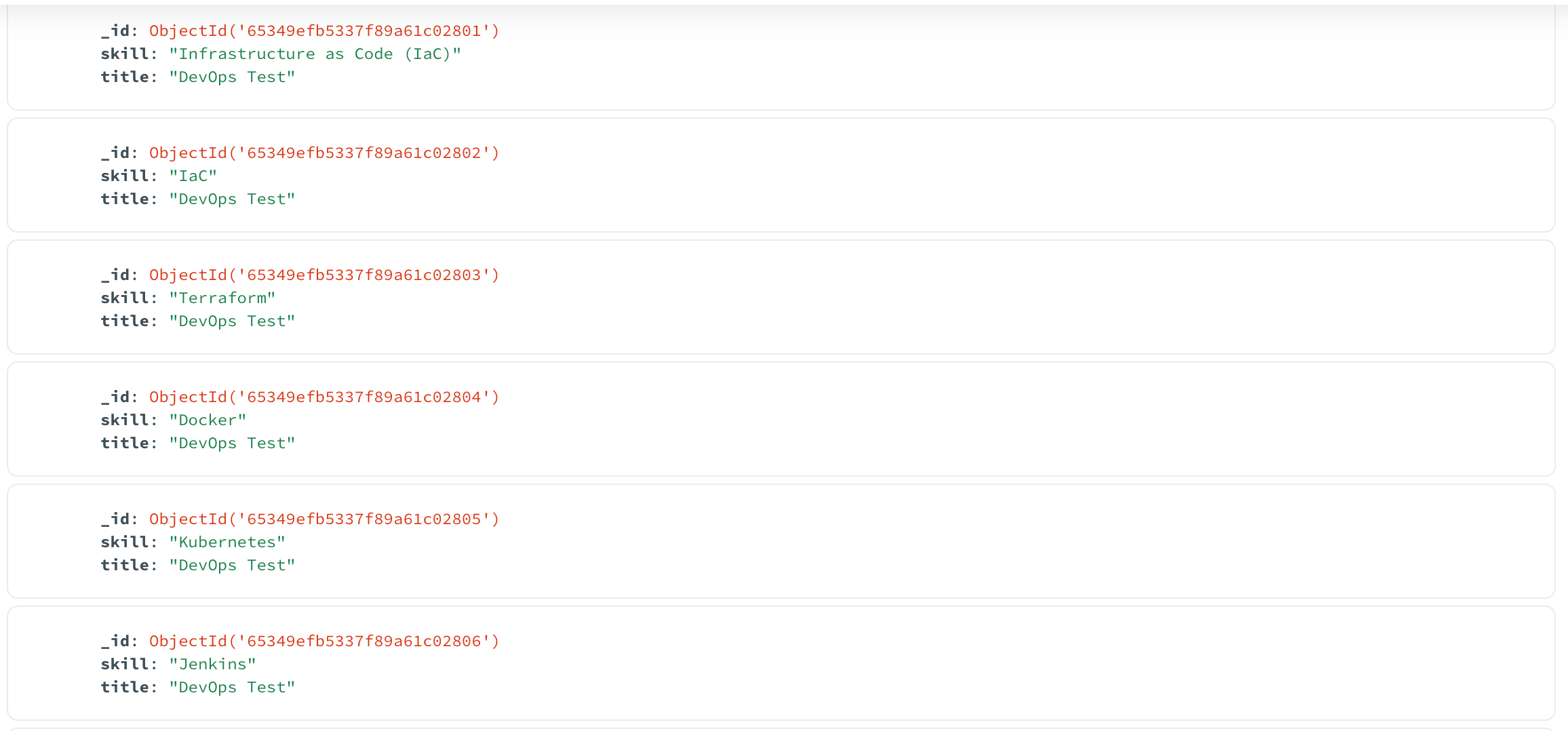
All pretty basic stuff. I’ll make it more complex and possibly overengineer it with time don’t you worry (it’s all in the name of learning, am I right?).
Lastly, I made slight changes to the scraper for error handling and solved half of the issues trying to scrape 5 job titles in 5 different cities. Next time I post I’ll have some better news.
Today’s Thought
I’ve been thinking a lot about how and where I can find like-minded people working as hard if not harder than I am. The collective knowledge + friendly competition would benefit my growth.
“If you want to go fast, go alone. But if you want to go far, go together.”
I think about this every day. I know the easy answer is college…but haha I went online, so there’s that. If anyone has ideas I’m all ears.
Thanks for reading this bare-bones blog, see you soon!